Careful hands for broken devices.
Cracked screens, dead batteries, slow laptops and computers that will not start. We diagnose first, explain the fix, then operate.

What we operate on
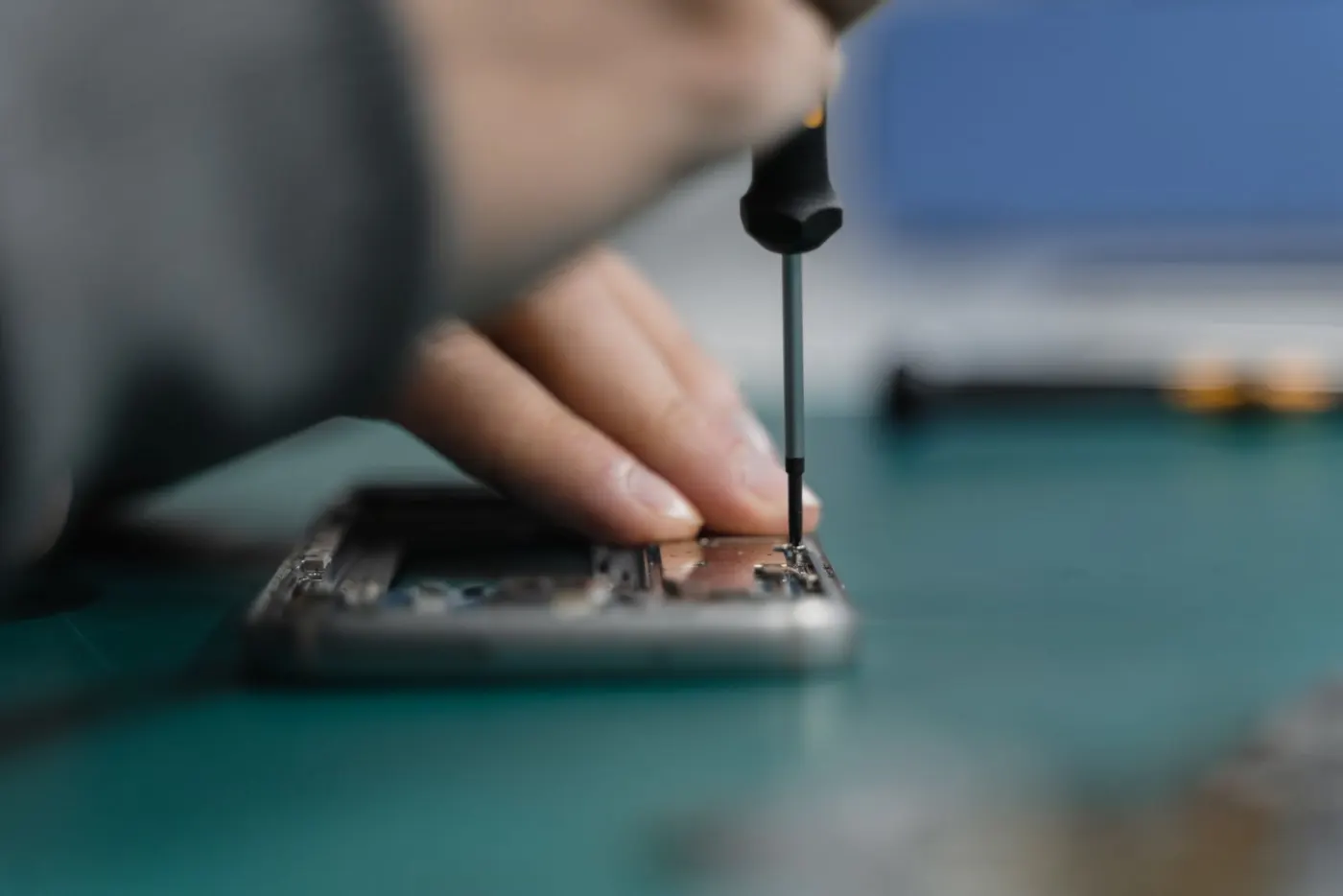
Phones, laptops and desktops, from a simple screen swap to a board-level problem.

Board-level diagnosis
When a device will not power on or charge, we trace the fault before replacing anything.
Phone repair
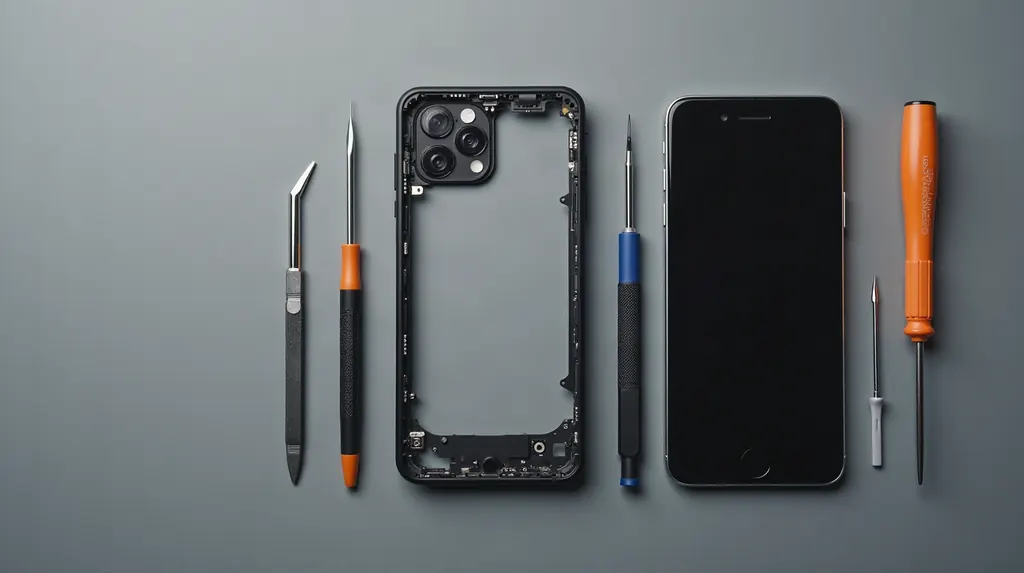
Cracked screens, tired batteries, charging ports and speakers.
Laptops
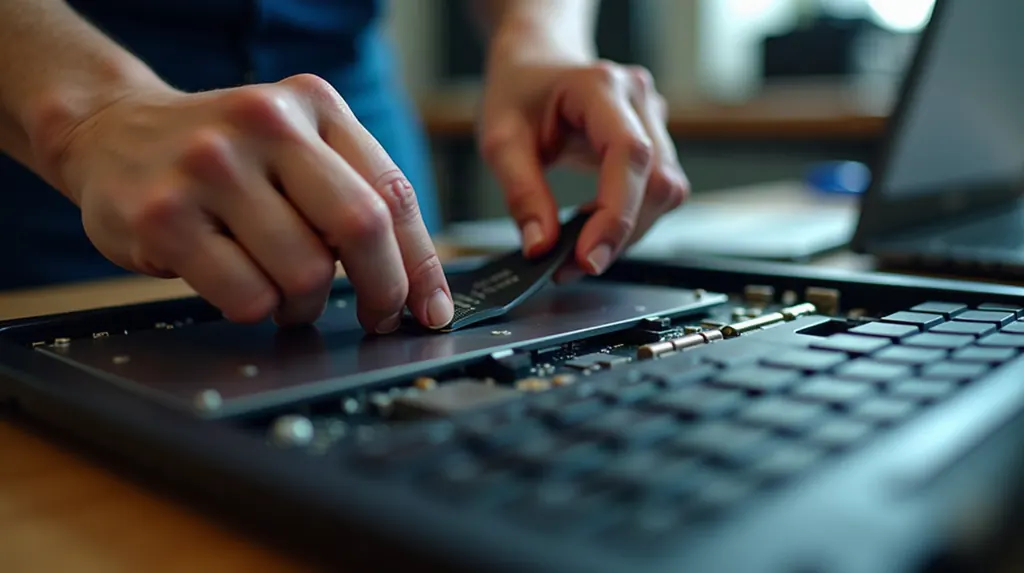
Keyboards, screens, fans and hinges.
Desktop PCs
Failed parts, new builds and upgrades.
Tune-ups and cleanup
Slow startup, pop-ups and suspected malware. We clean it and show you what was wrong.
Data rescue
Files stuck on a device that will not boot. We tell you what is recoverable before any work starts.
The procedure
Intake
Tell us the device, the symptoms and what happened just before it failed.
Diagnosis
We test the device and find the real cause, not just the obvious one.
Treatment
You approve the plan and the price. Then we repair it.
Recovery
We test everything again and walk you through what we changed.
Questions we hear a lot
My phone got wet. What should I do first?
Power it off and keep it off. Do not charge it. Do not put it in rice, because that does little and can push grit into ports. Take it to a repair shop as soon as you can, since corrosion keeps spreading while moisture is inside.
My battery looks swollen. Is that dangerous?
Yes, treat it as a safety issue. Stop charging the device, stop using it, and do not press on or puncture the battery. A swollen lithium battery needs to be replaced by a technician and recycled properly.
Should I back up before a screen repair?
If the screen still responds, yes. A backup protects your photos and messages if anything goes wrong with any repair. If the screen is dead, tell us. We can often still help you reach your data.
Why is my laptop suddenly so slow?
The usual causes are a nearly full drive, too many programs starting at login, an aging hard drive, or unwanted software. A diagnosis shows which one it is, so you only pay to fix the real problem.
Book a repair
Tell us what is wrong and we will reply by email with next steps. Include the make and model if you know it.